: Lounge Channel Admin Guide
Listing of all our tutorials and guides. Please read them carefully! Reading is fundamental~
 | |
|---|---|
| Hello and welcome to this guide to running your own channel on ACDB! Now that you have created your channel, the first thing you will want to do is become an Operator on your channel. /mode +q YOUR_USER_NAME This will change your color to Purple in the userlist. And grant you access to all admin commands on your channel. You can now change your channel mode to Invite Only, Moderated, Secret /mode +i You can also kick people from your channel. Just copy their full user name ( not their nickname ) /kick rei GET OUT OF MY CHANNEL REI Also you can click on topic and scroll up and type in the box that appears to change your topic, add links using bbcode, and make fancy designs with clever use of text and bbcode. |
|
Kawaii or NOT?!
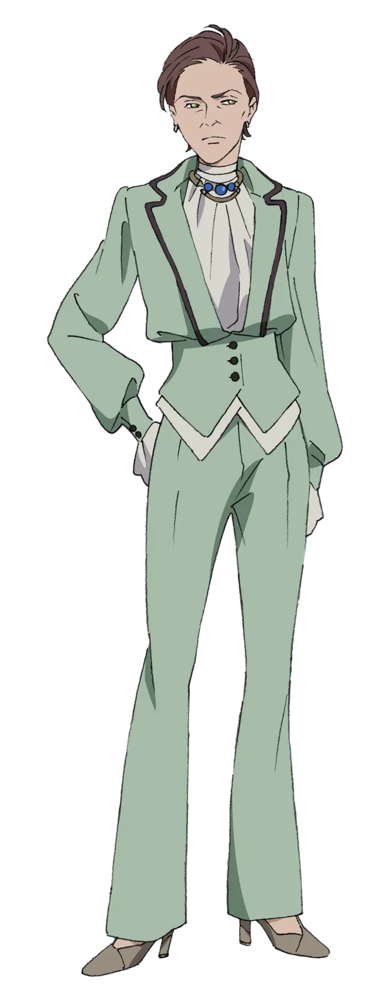
Quotes
0 likes

 Curo faved Kusina
|
 pleasedonttalk faved Toria (Transformed)
|
 Akeisback defeated a Dragon
|
 yuriyaoi wished Apple a Happy Birthday
|
 Airport found a Dragon Slayer Candidate Misuzu Kamio
|
|
Airport defeated a Dragon
|
 Clener74 loved Shuri Komori
|
 Mtrp faved Roana Dan
|
 ChampagnePsyche joined a Dragon Battle
|
 Edenborn rated Southern Cross Love Song ★
|